
The alternative login feature allows you to give and manage access of team members to your dashboard at no extra cost.
How? Do it in 3 EASY steps!
1. Go to your profile page
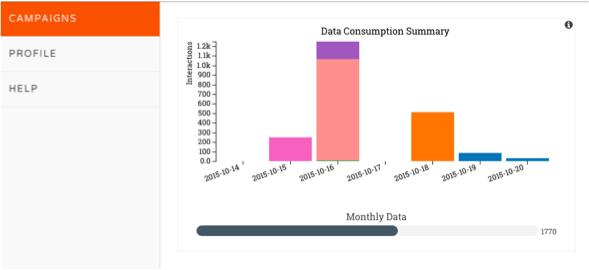
On the left hand side of your dashboard, Click "Profile"
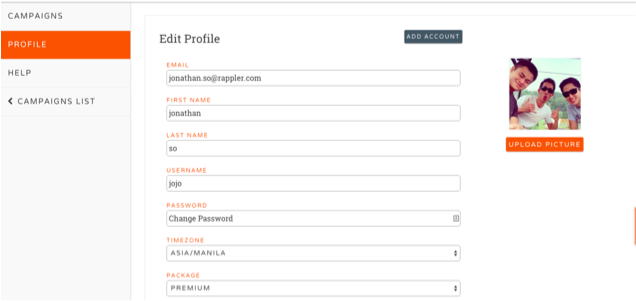
2. Click "Add Account"
On the upper right hand side of your profile, you will see an "Add account" button to manage and add members to your account
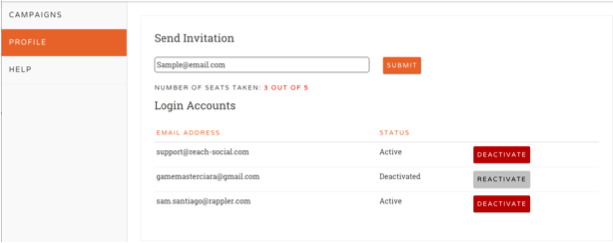
*An E-mail invite should be activated
To activate:
1.) Open the link in the email sent and click on the activation link.
2.) Fill in the account details, Create your own password and you're done!
3.) To login: Go to www.dashboard.reach-social.com